

On this page
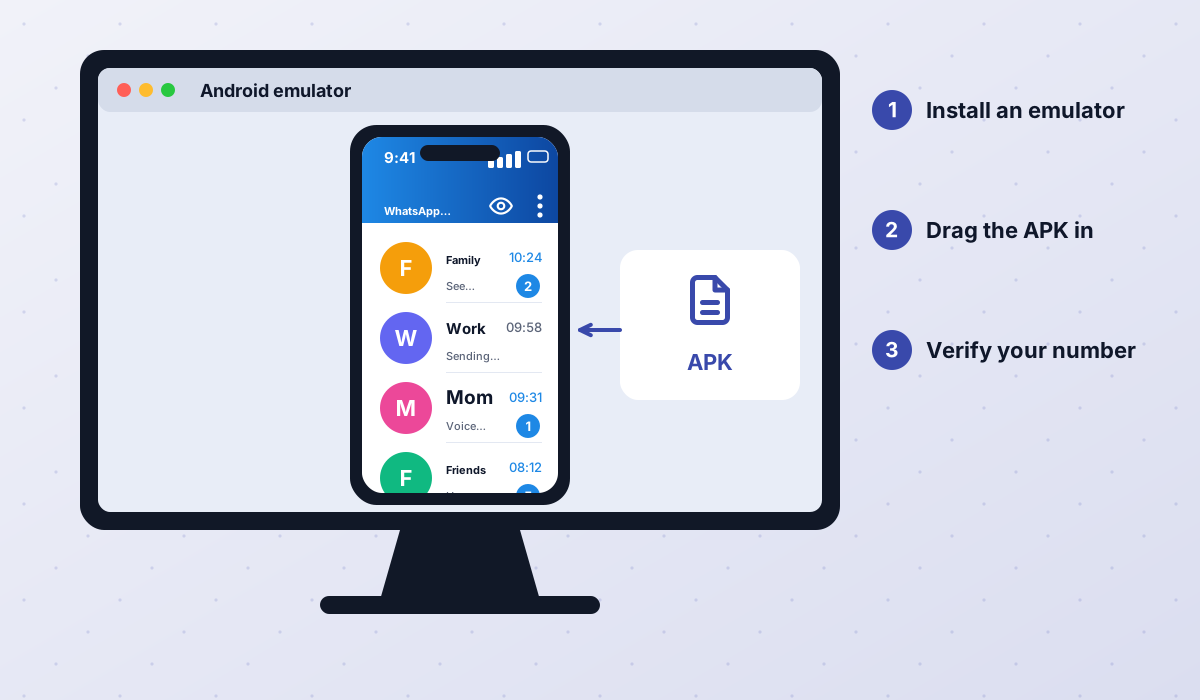
WhatsApp Plus is an Android app. There is no Windows installer, no Mac app and no special "WhatsApp Plus Web". Even so, many people want to use it on their laptop, especially for typing long messages or handling files. The only real way to do that is to run the Android app inside an Android emulator on your computer.
Below we explain how emulators work, walk you through the setup and cover the limitations, including why linked devices and WhatsApp Web may not behave as you expect with mods.
What is an Android emulator?
An Android emulator is a program that creates a virtual Android phone on your computer. It runs in a window, has its own home screen and can install apps from APK files, just like a real device. Popular emulators are aimed at mobile gamers, which is why they tend to be well optimized for Windows and, in some cases, macOS.
Because the emulator behaves like a separate phone, WhatsApp Plus installed inside it acts as the primary device for whichever number you register. That is important: it means you cannot use the same number on your phone's mod and the emulator's mod at the same time.
Requirements
- A Windows 10/11 PC or a supported Mac with virtualization enabled in the BIOS/UEFI settings (on Windows).
- At least 8 GB of RAM is recommended for smooth use; 4 GB can work but feels slow.
- Several gigabytes of free disk space for the emulator and its virtual storage.
- The WhatsApp Plus APK (111 MB) downloaded from a trusted source.
- A phone number that can receive an SMS or call for verification.
How to install WhatsApp Plus on PC step by step
- 1Install an Android emulator
Download a well-known Android emulator from its official website only. Avoid bundles offered on download portals, which often include adware.
- 2Enable virtualization
If the emulator warns about performance, enable virtualization (Intel VT-x or AMD-V) in your computer's BIOS/UEFI. This makes a big difference in speed.
- 3Set up the virtual phone
Launch the emulator and complete its initial setup. You do not need to sign in to a Google account just to install an APK.
- 4Download the APK
On your computer, download the latest WhatsApp Plus APK (version 18.80). Scan it before use, as described in our safety guide.
- 5Install the APK
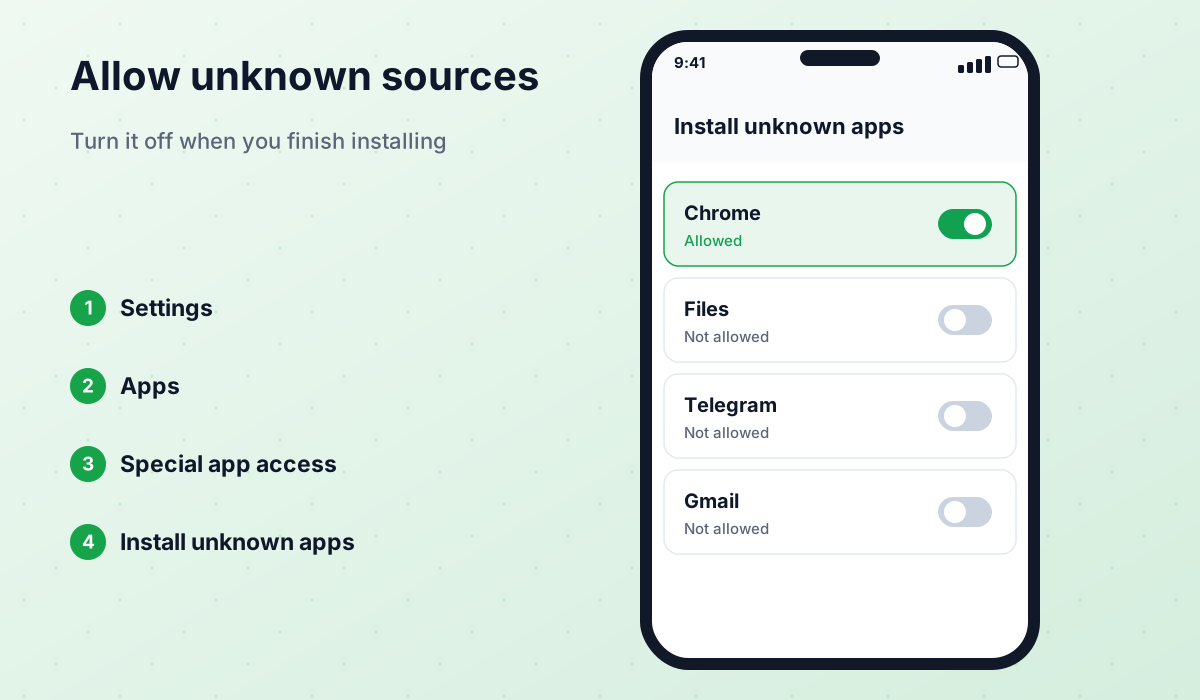
Drag and drop the APK file into the emulator window, or use the emulator's "Install APK" button. Allow installation from unknown sources if prompted.
- 6Verify your number
Open WhatsApp Plus in the emulator, enter your number and type the verification code received on your phone. Remember this number will be logged out of any other primary device.
- 7Restore a backup if needed
To bring your chats over, copy your local backup folder into the emulator's shared storage before verifying. Our backup guide covers the folder names.
Why not just use WhatsApp Web or linked devices?
Official WhatsApp lets you link up to several devices, like WhatsApp Web or the desktop app, to your phone. That is the simplest way to use WhatsApp on a computer. With mods, however, it is less predictable.
- Linking may not work: some mod builds disable or break the "Linked devices" option, or it works for a while and then stops after a WhatsApp server change.
- Mod features do not carry over: even when linking works, WhatsApp Web and the desktop app are official clients. Features like anti-delete, hidden typing or custom themes will not appear there.
- Extra detection surface: using a mod as the primary device with official linked clients does not remove the ban risk; the mod on your phone is still unofficial.
- Privacy mismatch: hiding blue ticks in the mod may not apply to messages read on the linked desktop client.
If you only need to read and reply from your computer, try linking WhatsApp Web or the official desktop app first. Use an emulator only if you specifically need mod features on the PC.
Pros and cons of running WhatsApp Plus in an emulator
- Full mod features on a big screen with a real keyboard.
- Easy to drag and drop files between your computer and chats.
- Useful for testing a mod with a secondary number without touching your main phone.
- No need to keep your phone nearby once the number is registered in the emulator.
- The emulator becomes the primary device, so the same number cannot run on your phone at the same time.
- Emulators use a lot of RAM and CPU, and can feel slow on older computers.
- Notifications and camera or microphone access can be unreliable.
- Same ban risk as on a phone; the emulator does not hide that you are using a mod.
- Emulator bundles from unofficial sites may include adware.
Does this work for GBWhatsApp and OBWhatsApp too?
Yes. The method is identical for GBWhatsApp, OBWhatsApp and other actively maintained Android mods: install the emulator, drop in the APK and verify your number. Some mods also include a clone or dual-account option, which can let you run a second number in the same emulator, subject to the same risks. Avoid discontinued mods such as FMWhatsApp and YoWhatsApp: their outdated builds can fail during registration and carry a higher ban risk.
Troubleshooting on PC
| Problem | What to try |
|---|---|
| "App not installed" error | Make sure the APK downloaded fully and the emulator runs a recent Android version. |
| Very slow performance | Enable virtualization, give the emulator more RAM and close other heavy apps. |
| No verification code | Wait for the timer and request a call instead of an SMS; check the number format. |
| Chats not restored | Copy the backup folder into the emulator storage before verifying the number. |
| No notifications | Keep the emulator running in the background and check its notification settings. |
WhatsApp Plus is unofficial and not affiliated with WhatsApp LLC or Meta. Running it on a PC does not change the risk of bans. Back up your chats and consider using a secondary number.
Frequently asked questions
Is there a WhatsApp Plus .exe for Windows?
Can I use WhatsApp Plus on my phone and PC at the same time?
Does WhatsApp Plus work on Mac?
Is using an emulator safe?
Will my chats sync between phone and emulator?
 WhatsApp PlusActive v18.80The complete guide to WhatsApp Plus APK: latest version download, features, installation, updates, safety, backups and fixes for common problems.View and download →
 GBWhatsAppActive v18.80Everything about GB WhatsApp Pro: latest APK download, features, colour versions, installation, updates, safety, backups and troubleshooting.View and download →
 Backup & RestoreLocal backups, restoring chats, transferring between mods and official WhatsApp, and updating without losing your history.Read guide →
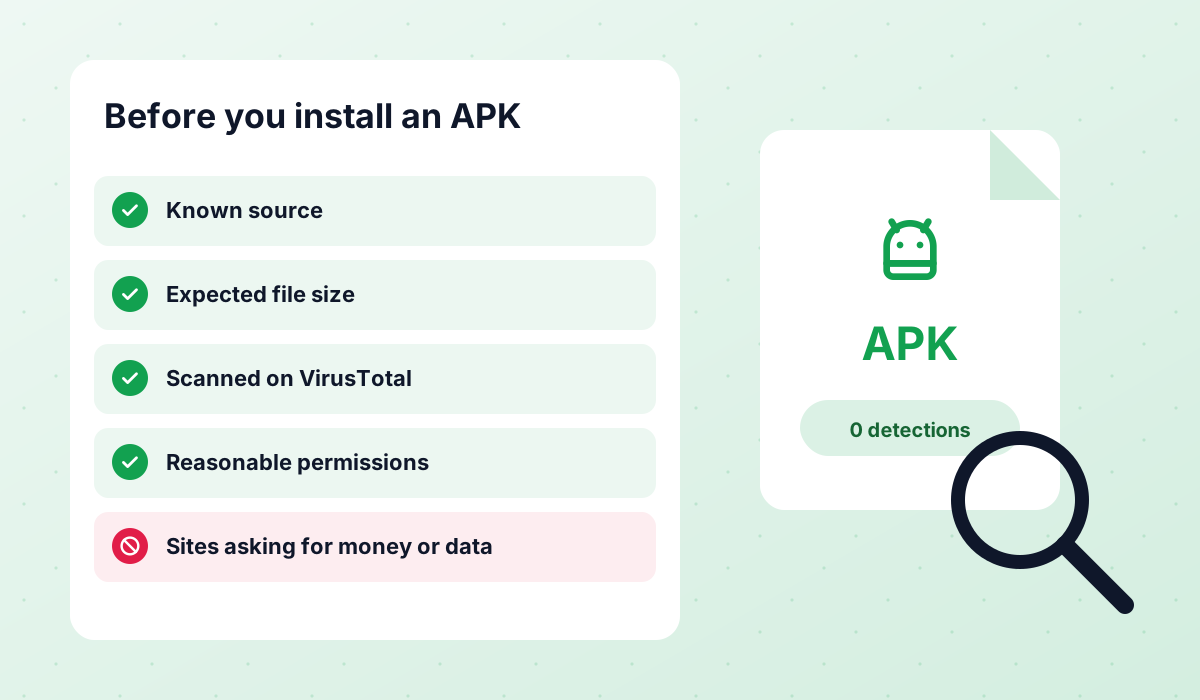 Is It Safe?An honest look at the risks of WhatsApp Plus, GBWhatsApp and discontinued mods like FMWhatsApp, how to check an APK and what to do after a ban.Read guide →
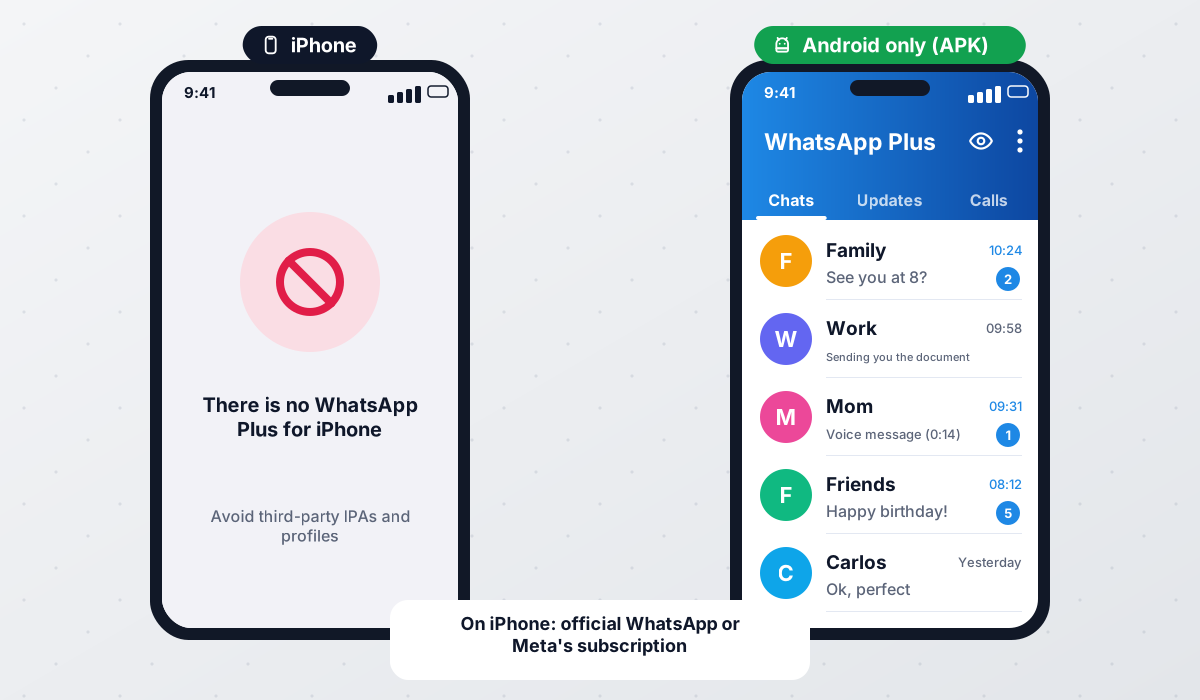 WhatsApp Plus iPhoneWhy WhatsApp Plus and other Android mods do not really exist for iPhone, what fake iOS versions are, and the best alternatives.Read guide →
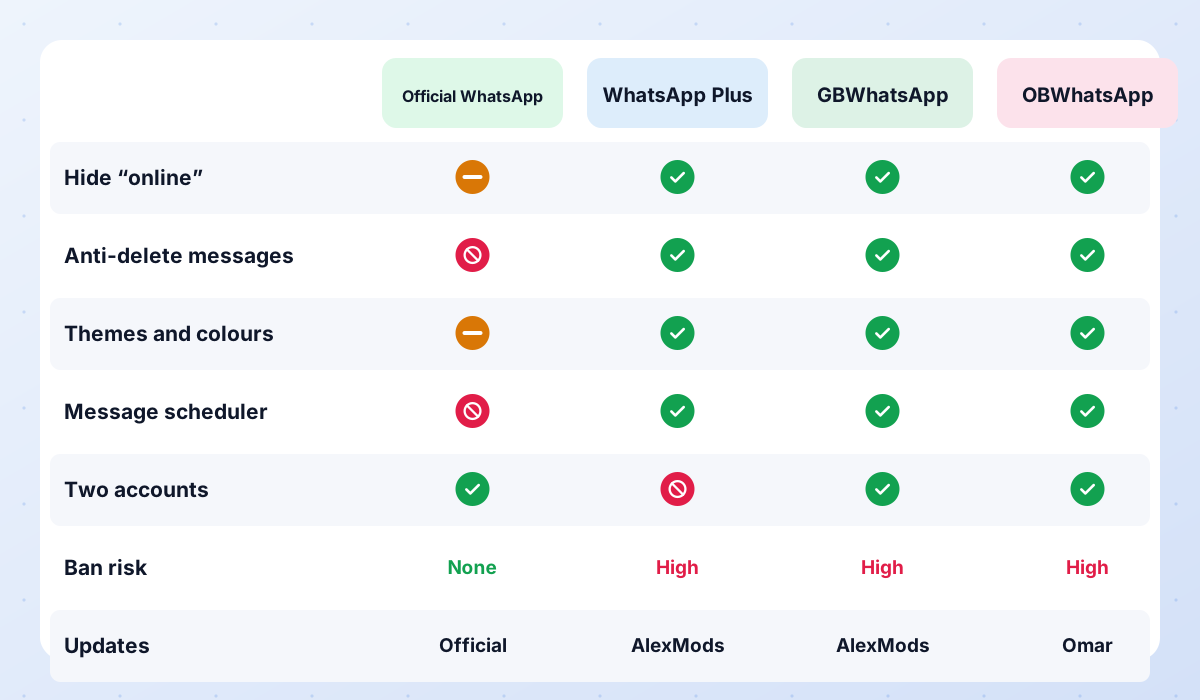 Compare ModsWhatsApp Plus vs GBWhatsApp vs OBWhatsApp side by side, a recommendation for each type of user, and the status of discontinued mods.Read guide →
Conclusion
Using WhatsApp Plus on PC is possible, but only through an Android emulator, and it comes with trade-offs: the emulator takes over as your main device and the ban risk stays the same. For most people, the official desktop app or WhatsApp Web is enough. If you really need mod features on a big screen, the emulator method works well, especially with a secondary number.
APK file for Android · Free · No sign-up