

On this page
- Current status of WhatsApp Transparent in 2026
- What WhatsApp Transparent was and why it became popular
- Why you should not install "new" WhatsApp Transparent APKs
- Does the last transparent build still work?
- Best active alternatives and how to get a similar look
- How to move your chats from a transparent build to an active mod
- WhatsApp Transparent FAQ
- Related guides
- Final word
A see-through WhatsApp, where your wallpaper shows behind the chat list and conversations, has been a favourite look for years. People search for it as "download whatsapp transparent", "gb whatsapp transparent" or, in Spanish and Portuguese, "whatsapp transparente".
What most of those searches do not reveal is that "WhatsApp Transparent" was never one product with one developer. In this page we explain what these builds really were, why none of them is maintained today, why the APKs you find are risky and how to get a similar style with mods that are still updated.
"WhatsApp Transparent" was a family of third-party builds with a see-through interface, made on top of YoWhatsApp and older GB-style bases. Those bases are no longer maintained, so none of the transparent builds is either. We do not offer a WhatsApp Transparent download. A similar look can be approximated with themes and wallpapers in active mods.
 App information
| Name | WhatsApp Transparente |
|---|---|
| Status | Discontinued |
| Requires Android | 5.0+ |
| Developer | Varios |
| Category | Communication (mod) |
WhatsApp Transparente no longer receives official updates. Sites advertising “new” versions usually distribute old copies or modified clones. These alternatives are still active:

Current status of WhatsApp Transparent in 2026
In September 2026 our team reviewed where transparent builds used to come from. The answer explains everything: they were not developed by a single team with its own channel. Different modders took an existing mod, mostly YoWhatsApp or older GB-style builds, and redesigned the interface so that it became see-through.
- One app? No, it was a family of builds from various third-party modders.
- Typical bases: YoWhatsApp and older GB-style bases.
- State of those bases: abandoned; YoWhatsApp stopped at 10.10.
- Maintained transparent builds today: none that we could find.
- Status on WasaPlus: discontinued, no download offered.
A transparent build can only be as current as the mod it is built on. When the base stops receiving updates, the transparent version is frozen too, and it inherits every weakness of an old WhatsApp base. That is the situation with every WhatsApp Transparent file we have seen.
"GB WhatsApp transparent" referred to third-party see-through builds made on older GB-style bases. They are not the current GBWhatsApp Pro released by AlexMods, and they are not updated alongside it.
What WhatsApp Transparent was and why it became popular
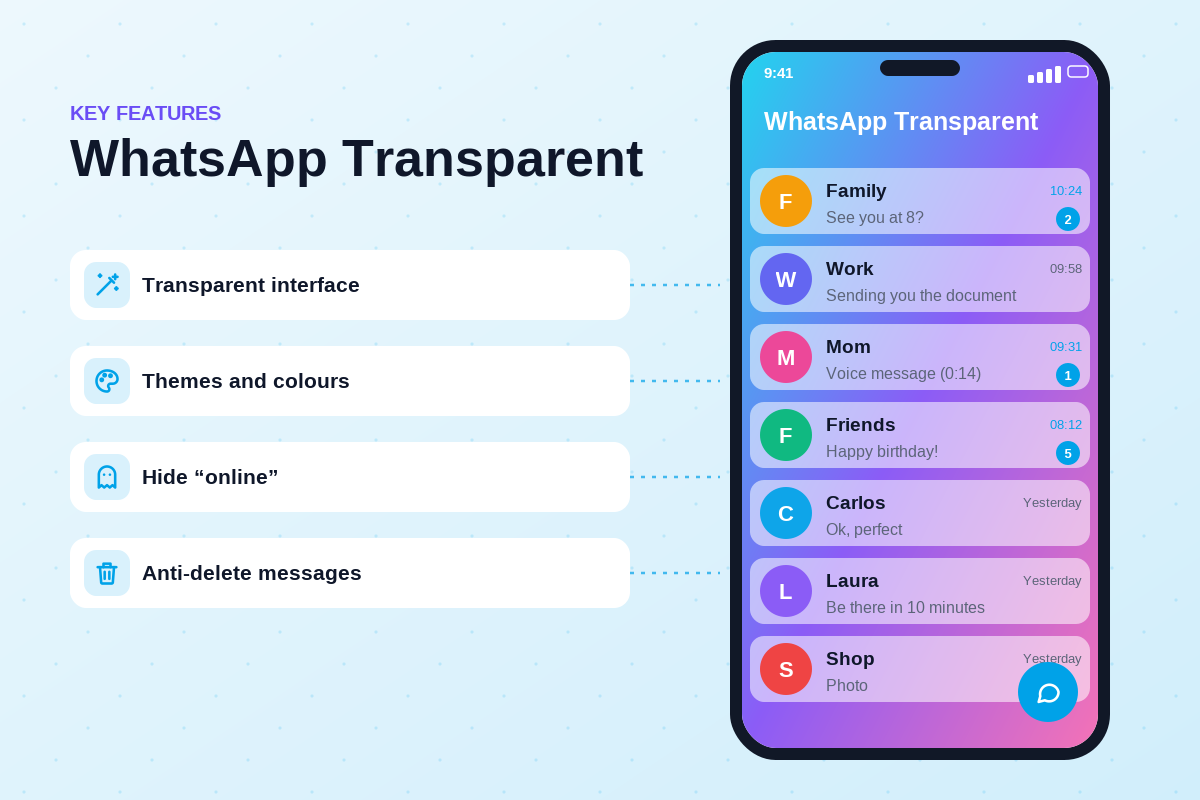
A transparent WhatsApp was a modified WhatsApp for Android whose screens used transparent or semi-transparent backgrounds. Instead of a solid colour, you saw your home-screen wallpaper, or an image you picked, behind your chats, statuses and calls. Chat bubbles stayed slightly opaque so that messages were still readable.
Your wallpaper visible behind the chat list, conversations and menus.
Sliders for how transparent the bars, rows and bubbles looked.
The system wallpaper or any photo from your gallery as the background.
The privacy options and anti-delete of the mod underneath.
It was purely a visual idea, yet it made phones feel personal in a way few other tweaks did. That is why the name keeps being searched, and also why it keeps being abused by download sites.
Why you should not install "new" WhatsApp Transparent APKs
Since there was never a single developer, there is also nobody who can publish a genuine "WhatsApp Transparent 2026". Files with that name are either old builds on abandoned bases or repackaged copies from unknown uploaders.
- Expired bases: old YoWhatsApp or GB-style code can be blocked by WhatsApp with an expiry or "update WhatsApp" screen at any time.
- Unknown authors: you usually cannot tell who built the file or what they changed.
- Malware: a fake messenger has access to your chats, contacts and media.
- Higher ban risk: outdated clients are easier to detect than maintained mods.
- No fixes: bugs and security problems will never be patched.
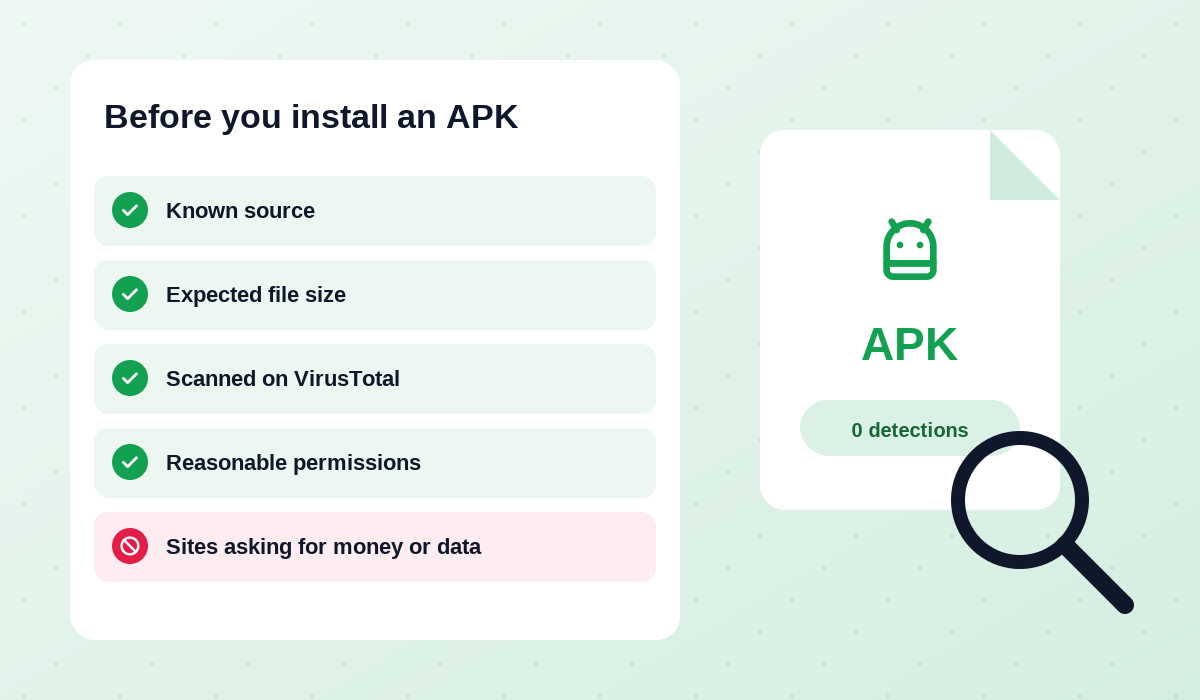
Red flags on transparent download pages
- The page shows a brand-new version number or "2026" in the file name.
- It does not say which base or modder the build comes from.
- It asks you to unlock the download with surveys or other apps.
- The APK requests accessibility or device admin permissions.
- A malware scanner reports anything suspicious.
For a full method to check any APK, read our mod safety guide.
Does the last transparent build still work?
If a transparent build is still on your phone, it might open. But it is running on a base that nobody updates, so it can stop at any moment. We do not recommend relying on it.
- An expiry screen can appear with no update to fix it.
- Re-registering your number or linking WhatsApp Web may fail.
- The risk of a temporary or permanent ban is higher than with a maintained mod.
- Old security issues remain open.
The safer path is to back up your chats and move to an active mod, then recreate the look you liked with themes and wallpapers.
Best active alternatives and how to get a similar look
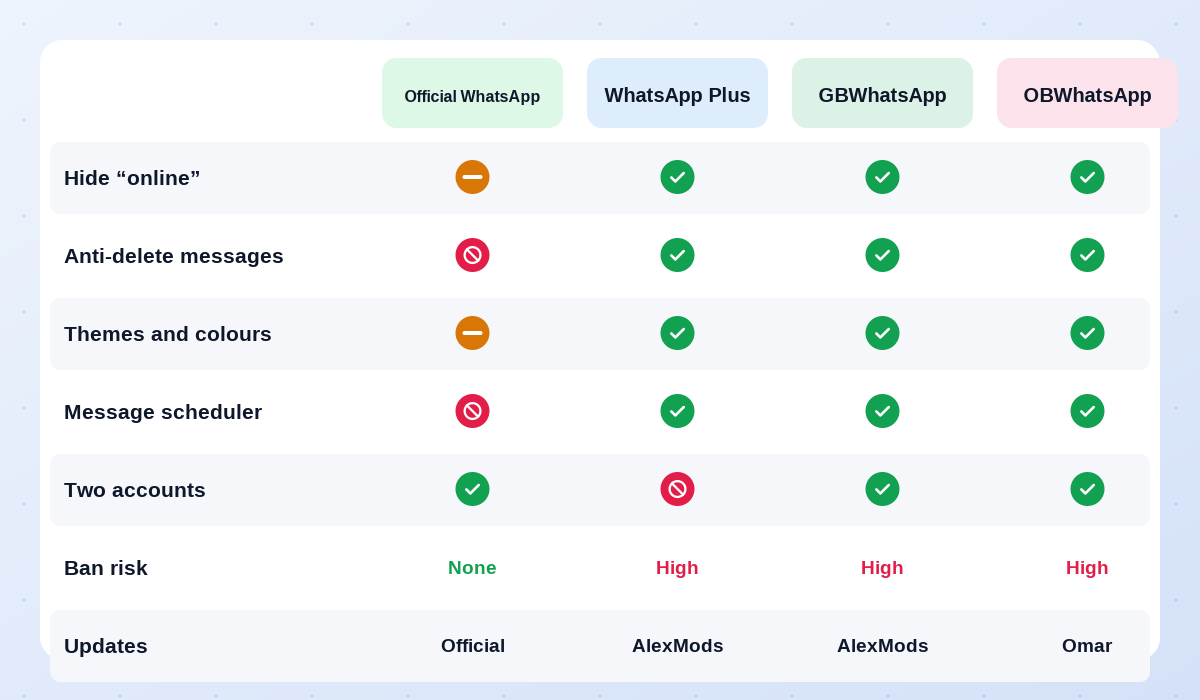
The mods still maintained in 2026 are WhatsApp Plus and GBWhatsApp from AlexMods and OBWhatsApp from Omar Al-Annabi. None of them promises a fully see-through interface, but their theme stores and wallpaper settings can get you surprisingly close. Theme availability changes over time, so treat the tips below as general guidance rather than a guaranteed option.
| What you get | WhatsApp Plus | GBWhatsApp | OBWhatsApp |
|---|---|---|---|
| Status | Active | Active | Active |
| Developer | AlexMods | AlexMods | Omar Al-Annabi |
| Latest version | 18.80 | 18.80 | 71 |
| Theme store | ✔ | ✔ | ✔ |
| Custom chat wallpapers | ✔ | ✔ | ✔ |
| Colour and opacity tweaks | Varies | Varies | Varies |
| Hide online / anti-delete | ✔ | ✔ | ✔ |
| Ban risk | Yes | Yes | Yes |
Tips to approximate the transparent style
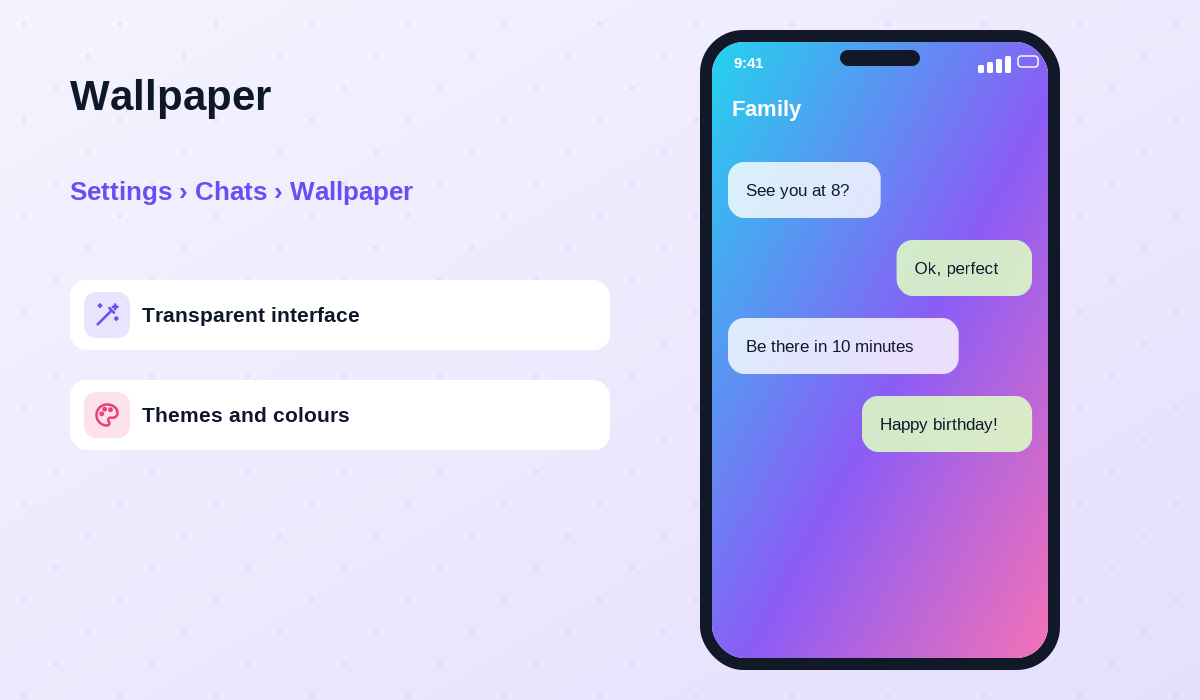
- Search the theme store for words like transparent, glass or wallpaper; results change over time.
- Set the same image as your phone wallpaper and your chat wallpaper so the app blends with your home screen.
- Pick calm images: gradients, blurred photos or dark abstract patterns.
- Use a dark wallpaper on OLED screens to save some battery.
- Keep bubble colours opaque enough that messages stay readable in daylight.
Which alternative to choose
GBWhatsApp (18.80) has the deepest appearance menus, so it is the best playground for recreating a see-through feel; AlexMods warns that recent builds cannot be used with numbers that are already banned. WhatsApp Plus (18.80) is simpler and cleaner. OBWhatsApp is still updated in 2026 and is the pick if you need several accounts. Our themes and wallpapers guide shows how to apply and save themes.

APK file for Android · Free · No sign-up

APK file for Android · Free · No sign-up
How to move your chats from a transparent build to an active mod
Transparent builds stored chats just like the mod they were based on, usually in a folder named after that base. A local backup lets you take everything with you.
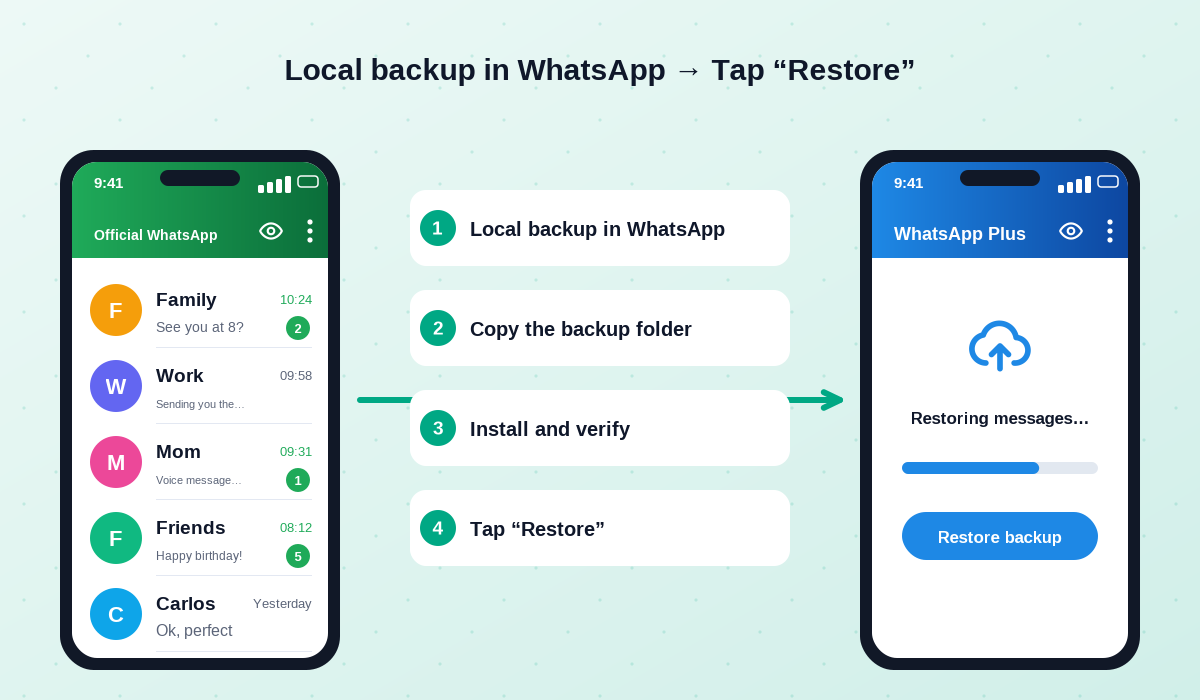
- 1Back up in the transparent build
Open Settings → Chats → Chat backup and tap Back up while the app still opens.
- 2Find its folder
In a file manager, look for the folder of the base mod (for example a YoWhatsApp or GB-style folder), often under Android/media. The Databases subfolder holds the backups.
- 3Copy it somewhere safe
Save the whole folder on a computer, SD card or cloud storage.
- 4Prepare it for the new mod
Copy or rename the folder to the name your new mod expects, keeping Databases and Media inside. See our backup guide for common names.
- 5Uninstall the old build
Only once the copy is confirmed.
- 6Install an active mod
Install GBWhatsApp or WhatsApp Plus, allowing unknown sources temporarily.
- 7Restore and restyle
Verify your number, tap Restore, then set your wallpaper and theme using the tips above.
WhatsApp Transparent FAQ
Is WhatsApp Transparent discontinued?
Is there a WhatsApp Transparent 2026?
Can I still use my transparent build?
Is GB WhatsApp transparent the same as GBWhatsApp?
Can I get a transparent look in the official WhatsApp?
Will I lose my chats if I switch?
Does a see-through theme drain the battery?
Related guides
WhatsApp PlusActive v18.80The complete guide to WhatsApp Plus APK: latest version download, features, installation, updates, safety, backups and fixes for common problems.View and download →GBWhatsAppActive v18.80Everything about GB WhatsApp Pro: latest APK download, features, colour versions, installation, updates, safety, backups and troubleshooting.View and download → OBWhatsApp (Omar)Active v71OBWhatsApp by Omar Al-Annabi: numbered builds for multiple accounts, colour versions, features, install steps and safety advice.View and download →Is It Safe?An honest look at the risks of WhatsApp Plus, GBWhatsApp and discontinued mods like FMWhatsApp, how to check an APK and what to do after a ban.Read guide →
 Backup & RestoreLocal backups, restoring chats, transferring between mods and official WhatsApp, and updating without losing your history.Read guide →
 Compare ModsWhatsApp Plus vs GBWhatsApp vs OBWhatsApp side by side, a recommendation for each type of user, and the status of discontinued mods.Read guide →
Final word
WhatsApp Transparent was a great idea, but it was always a design laid over someone else's mod, and those mods have been abandoned. There is no maintained build to download in 2026. Back up your chats, skip the "new" transparent APKs and recreate the look you like with themes and wallpapers in an active mod, or stay with the official app if your number matters too much to risk.
APK file for Android · Free · No sign-up
Updated: · By WasaPlus editorial team