

On this page
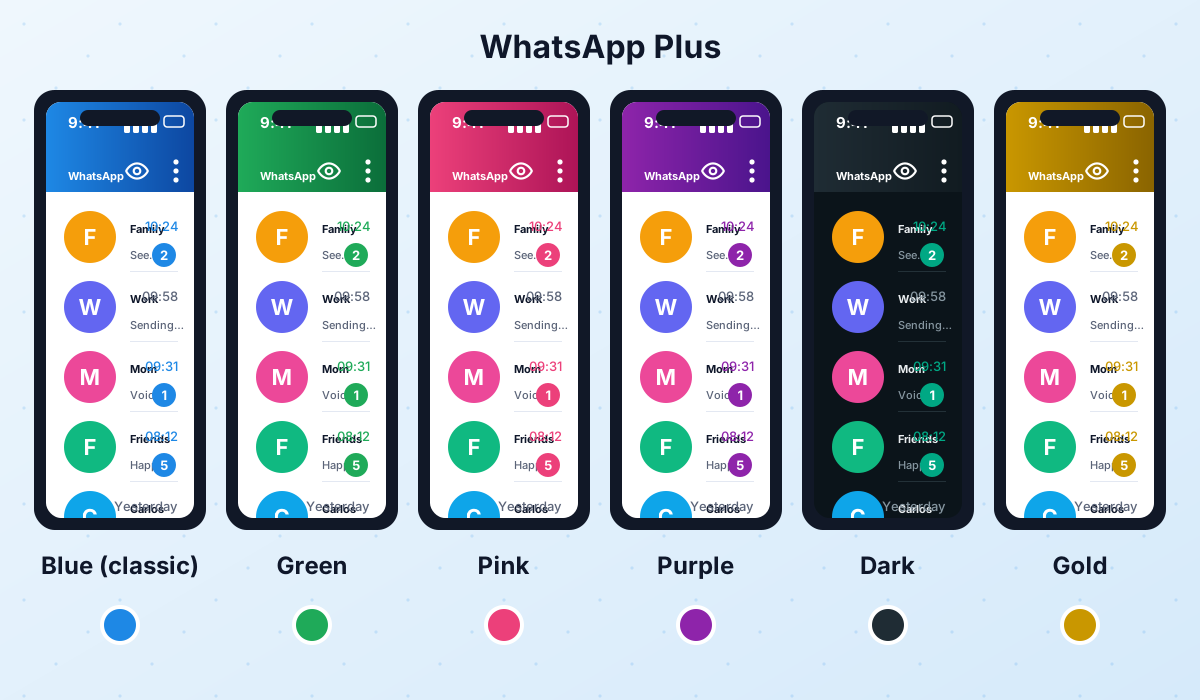
- Why does WhatsApp Plus come in so many colors?
- WhatsApp Plus blue: the classic
- WhatsApp Plus green: close to the original
- WhatsApp Plus pink
- WhatsApp Plus purple
- Dark or black WhatsApp Plus
- WhatsApp Plus gold
- Color versions at a glance
- Which base build does each color use?
- How to change colors inside WhatsApp Plus
- Tips for choosing a readable color scheme
- Are color versions safe?
- Frequently asked questions
- Final thoughts
If you have ever searched for WhatsApp Plus, you have probably seen download pages offering a "blue version", a "pink version", a "dark APK" and so on. It is easy to assume these are completely different apps. In most cases they are not: they are the same mod with a different default color scheme, or a separate build from another modder with its own look.
Below we go through each popular color, explain where it comes from and show you how to change the colors yourself inside WhatsApp Plus, so you do not need to hunt for a special APK just to get a different shade.
Why does WhatsApp Plus come in so many colors?
WhatsApp Plus started out around 2012 as one of the first big WhatsApp mods, and its signature look was a blue header and blue accents instead of the official green. That blue quickly became the brand's identity. Over the years, many different modders have released their own builds under the WhatsApp Plus name, and each one tended to ship with a slightly different default palette.
On top of that, every modern build includes a theme engine. Users share their favorite color setups, websites package them as "new versions", and before you know it there is a pink WhatsApp Plus, a purple one and a gold one. The code underneath is often identical: what changes is the theme file loaded on first launch.
In most cases you do not need to download a separate APK to get a different color. Install one trusted build of WhatsApp Plus and change the colors from its settings. Fewer APKs from random sites means less risk.
WhatsApp Plus blue: the classic
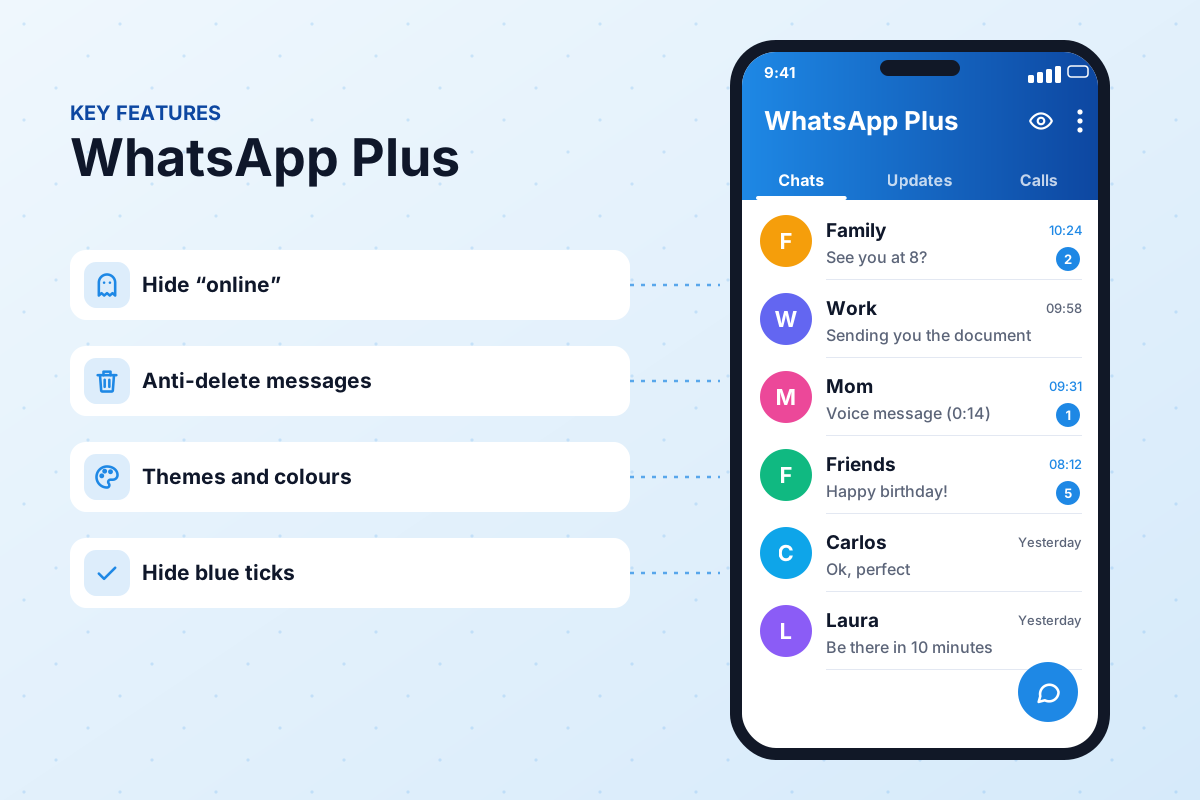
The blue WhatsApp Plus is the version most people picture when they hear the name. It uses a deep blue toolbar, lighter blue chat bubbles and a blue floating action button. The popular blue build maintained today is attributed to AlexMods and is currently at version 18.80.
Because it is the "reference" build, the blue version usually gets updates first and is the one we recommend if you just want WhatsApp Plus without experimenting. You can read everything about it on our WhatsApp Plus APK page, including specs, install steps and old versions.
WhatsApp Plus green: close to the original
Some people love the extra features but prefer the familiar look of official WhatsApp. The green WhatsApp Plus is simply a theme that restores the original green palette: teal header, light green outgoing bubbles and white background. It is a good choice if you share your phone screen at work or just want the app to look "normal".
Keep in mind that a green look does not make the mod any less unofficial. Using a familiar color does not change how WhatsApp's servers see your client, so the same ban risks apply as with any other build.
WhatsApp Plus pink
The pink WhatsApp Plus (sometimes called rose or rosado) swaps the blue accents for soft pink or hot pink tones. It is one of the most searched color variants. Many so-called pink versions are actually the blue build with a pink theme preloaded, while others come from Arabic modders such as the WhatsApp Omar family, which is famous for its pink editions.
WhatsApp Plus purple
The purple WhatsApp Plus uses violet or lavender shades for the header and buttons. It sits somewhere between the classic blue and the pink editions and looks particularly good with a dark background. Again, this is almost always a theme rather than a separate app, so you can recreate it yourself using the steps further down.
Dark or black WhatsApp Plus
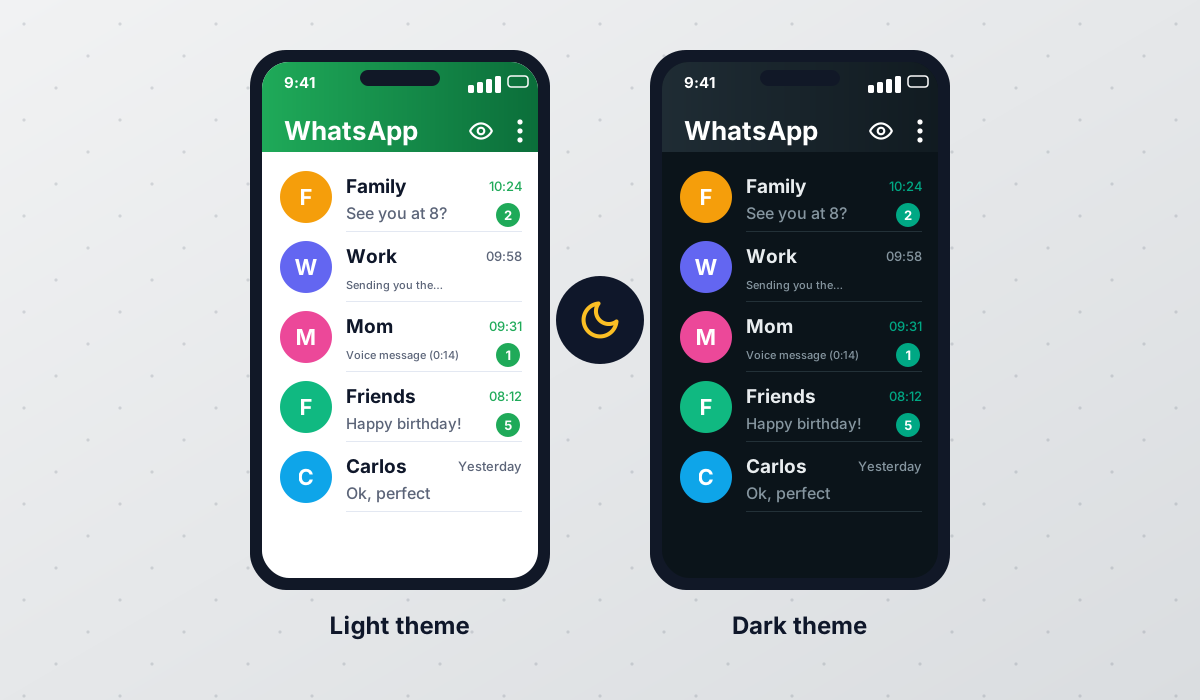
Searches for "WhatsApp dark APK" or "black WhatsApp" are extremely common. Official WhatsApp has had a dark mode for years, but the mods go further: true black (AMOLED) backgrounds, dark bubbles with colored text, dimmed icons and dark wallpapers. On phones with OLED screens a true black theme can also help a little with battery life.
Actively maintained mods, including GBWhatsApp and WhatsApp Plus itself, include ready-made dark themes in their theme stores. If you want even more dark styles, have a look at our guide to the best themes and wallpapers.
WhatsApp Plus gold
"Gold" editions use yellow, amber or champagne tones, often with a dark background to make the gold stand out. The name is also used by some modders as a marketing label for a "premium" build, which is misleading: the WhatsApp Plus developer does not sell a paid gold version. Treat any site that asks for payment or an activation code for a gold edition with suspicion. Be extra careful with anything called "WhatsApp Gold": the name is tied to a long-running scam, and the Arabic gold builds by Abu Arab have not been updated since January 2026 (see our AB WhatsApp status page).
Color versions at a glance
| Color | Typical look | Usually a separate build? | Best for |
|---|---|---|---|
| Blue | Blue header and accents | ✔ Reference build | Most users |
| Green | Official-style teal and green | ✘ Theme | A discreet look |
| Pink | Soft or hot pink accents | Sometimes (Arabic mods) | Personal style |
| Purple | Violet or lavender | ✘ Theme | Dark backgrounds |
| Dark / black | True black or dark gray | ✘ Theme | Night use, OLED phones |
| Gold | Amber tones on dark | Sometimes (older Arabic builds, now inactive) | A premium look |
Which base build does each color use?
When a site offers a color edition, it is worth checking what is underneath. The base determines how often you will get updates, which features you have and who is responsible for the code.
- Blue, green and purple: almost always the main WhatsApp Plus build with a different theme preloaded.
- Dark and black: usually WhatsApp Plus or GBWhatsApp with a dark theme. The see-through builds described on our WhatsApp Transparent page were popular too, but none of them is maintained any more.
- Pink and gold: can be a theme, but are often separate Arabic builds. WhatsApp Omar is still updated and ships several color editions, while Abo2sadam's builds are now a paid subscription and AB WhatsApp's gold builds are inactive.
- iPhone-style light colors: this used to mean WhatsApp Aero, but its developer has withdrawn it; today a light iOS-style theme in an active mod is the safer route.
How to change colors inside WhatsApp Plus
You do not need another APK to switch colors. Every recent build has a dedicated settings area for themes and interface colors. The names of the menus can vary slightly between versions, but the path is roughly the same.
- 1Open Plus settings
On the main screen, tap the three-dot menu in the top-right corner and choose Plus Settings (in some builds it is called Plus Menu or Mods).
- 2Go to Themes
Open the Themes section. Here you can browse the built-in theme store, load a theme file or reset to the default look.
- 3Pick a ready-made theme
Scroll through the theme store and preview a few. Search for words like blue, pink, purple or dark to narrow things down, then tap Apply.
- 4Fine-tune with Universal
For precise control, open Universal → Colors. Here you can set the primary color, the status bar, the navigation bar and accent colors individually.
- 5Adjust the conversation screen
Go to Conversation screen to change bubble colors, text colors and the chat background independently of the main theme.
- 6Restart the app
Most color changes ask for a restart. Close WhatsApp Plus fully and reopen it so every screen picks up the new colors.
- 7Save your theme
If you are happy with your custom palette, use Save theme so you can reapply it after an update or on another phone.
Before experimenting, save your current theme. If you end up with unreadable text or odd contrasts, you can go back in one tap instead of rebuilding everything.
Tips for choosing a readable color scheme
- Keep strong contrast between bubble color and text color, especially for outgoing messages.
- Use a darker header color if your status bar icons are white, so the clock and battery stay visible.
- Try your theme both in bright daylight and at night before settling on it.
- Avoid neon backgrounds behind long chats; they get tiring very quickly.
- If you use a wallpaper, pick one that is blurred or low-detail so messages stand out.
Are color versions safe?
A color is just a theme, so it does not add or remove risk on its own. What matters is where you downloaded the APK. Many "special color" downloads are repackaged by unknown uploaders, which is exactly where malware and adware tend to hide. Stick to one trusted build, check the file before installing it and back up your chats first.
WhatsApp Plus and every other mod are unofficial and not affiliated with WhatsApp LLC or Meta. Using them can lead to temporary or permanent bans, whatever color you choose. Read our safety guide and consider using a secondary number.
Before switching between different builds, make a local backup of your conversations. Our backup and restore guide explains how to do it without losing chats, and our mod comparison helps if you are unsure which base to pick.
Frequently asked questions
Is the pink WhatsApp Plus a different app from the blue one?
Can I get WhatsApp Plus green without losing the extra features?
Does a dark theme save battery?
Is there a paid gold version of WhatsApp Plus?
My colors reset after updating. How do I keep them?
Which color version gets updates first?
 WhatsApp PlusActive v18.80The complete guide to WhatsApp Plus APK: latest version download, features, installation, updates, safety, backups and fixes for common problems.View and download →
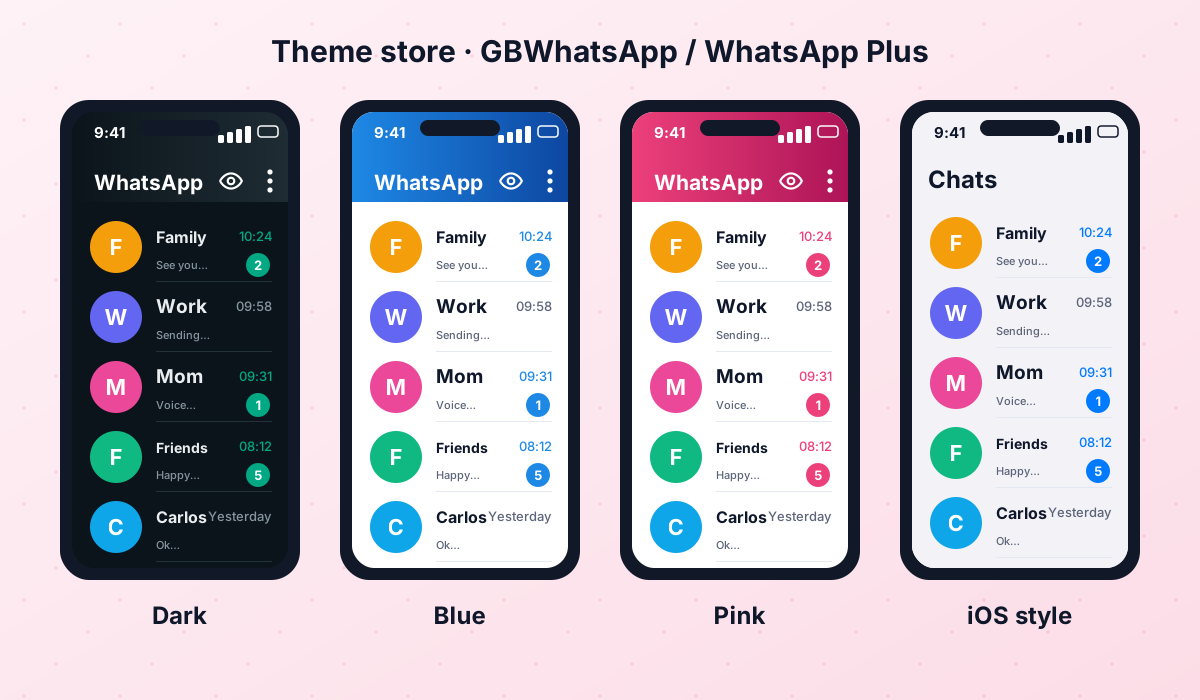 Themes & WallpapersHow to apply, import and create themes in GBWhatsApp and WhatsApp Plus, reuse old FM/Yo theme files, plus tips for wallpapers and dark themes.Read guide →
 GBWhatsAppActive v18.80Everything about GB WhatsApp Pro: latest APK download, features, colour versions, installation, updates, safety, backups and troubleshooting.View and download →
 OBWhatsApp (Omar)Active v71OBWhatsApp by Omar Al-Annabi: numbered builds for multiple accounts, colour versions, features, install steps and safety advice.View and download →
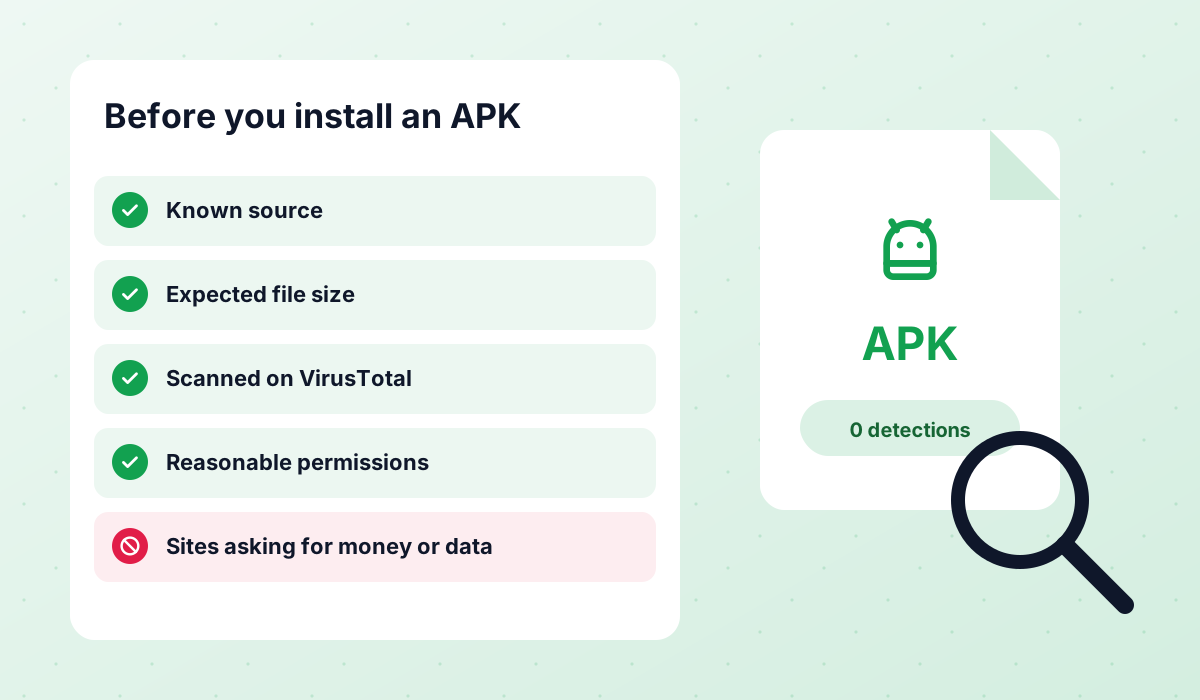 Is It Safe?An honest look at the risks of WhatsApp Plus, GBWhatsApp and discontinued mods like FMWhatsApp, how to check an APK and what to do after a ban.Read guide →
 Backup & RestoreLocal backups, restoring chats, transferring between mods and official WhatsApp, and updating without losing your history.Read guide →
Final thoughts
The many WhatsApp Plus colors are mostly a matter of taste. Rather than downloading a new APK every time you want a change, install one trusted build and use the theme and color settings built into it. You will get exactly the look you want while keeping the number of third-party files on your phone to a minimum.
APK file for Android · Free · No sign-up