

On this page
- What is WhatsApp LiteX?
- Clone or Primary: which WhatsApp LiteX build to choose
- WhatsApp LiteX features
- WhatsApp LiteX vs other mods
- How to download and install WhatsApp LiteX
- How to update WhatsApp LiteX
- WhatsApp LiteX versions
- Is WhatsApp LiteX safe?
- Pros and cons
- WhatsApp LiteX FAQ
- Related mods and guides
- Conclusion
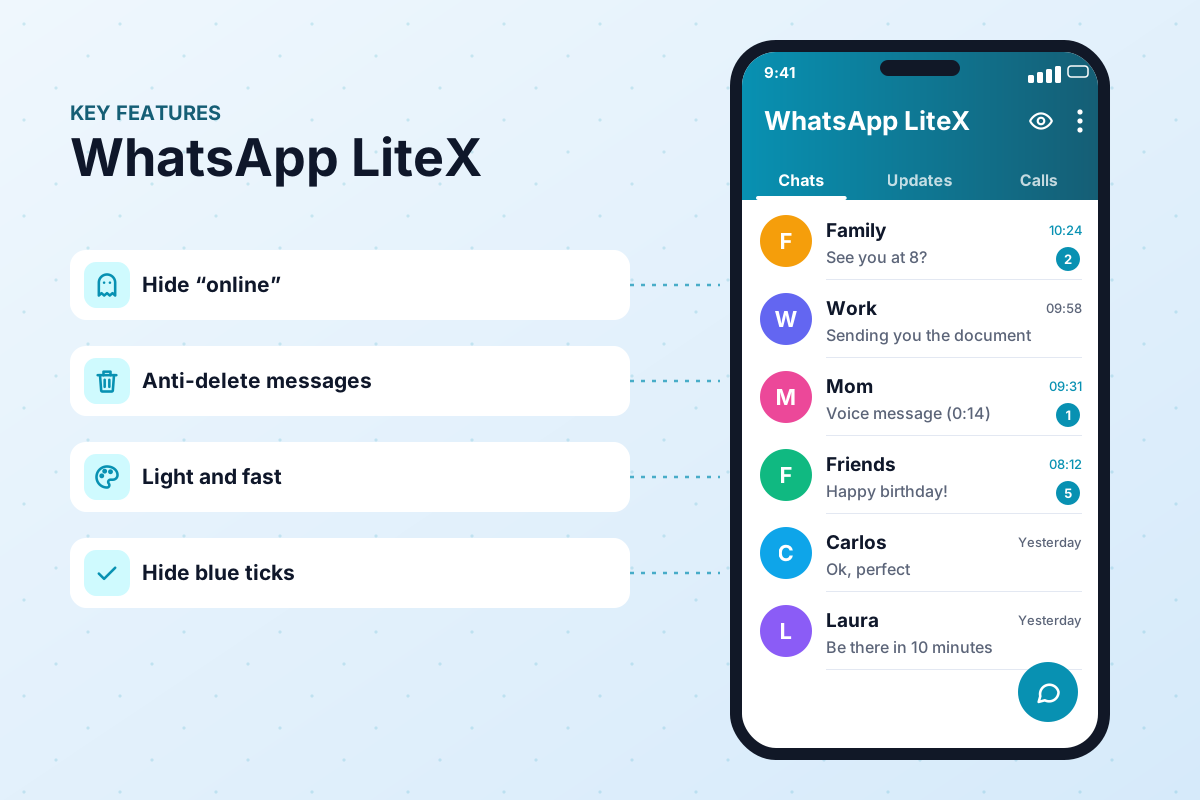
Many WhatsApp mods keep getting heavier and fall behind the official app. WhatsApp LiteX takes the opposite approach: a light, fast and up-to-date mod that tracks the official WhatsApp base and runs smoothly even on budget Android phones.
On this WasaPlus page we explain what WA LiteX is, how its two packages (Clone and Primary) differ, how to download the WhatsApp LiteX APK in its latest version, how to install it step by step and how to use it sensibly.

APK file for Android · Free · No sign-up
App information| Name | WhatsApp LiteX |
|---|---|
| Status | Active |
| Version | 3.45.1 |
| Size | 119 MB |
| Requires Android | 6.0+ |
| Developer | jesusmuentes |
| Updated | |
| License | Free |
| Category | Communication (mod) |
| Package | com.whatsapp.litex |
WhatsApp LiteX is an unofficial mod with no connection to WhatsApp LLC or Meta. It is not on Google Play, and WhatsApp treats any unofficial client as a breach of its terms, so your number can be suspended. Back up your chats, scan the APK and, if your account matters, use the Clone build or a secondary number.
What is WhatsApp LiteX?
WhatsApp LiteX is a modified version of WhatsApp Messenger for Android published by the developer jesusmuentes on the official website walitex.app. Do not confuse it with “WhatsApp Lite” or “WA Lite”, names used by older builds from other authors: LiteX is a separate project with its own package names.
It adds what people install a mod for: hiding your online status, blue ticks and “typing…”, locking chats with your fingerprint, sending photos and videos in HD, anti-delete and re-opening view-once media. All with an interface close to the official app and modest resource use.
It is active: version 3.45.1, released on November 10, 2026, is built on WhatsApp 2.26.42.74 Stable. The app is free; there is an optional Premium plan (OTA updates, a badge and extra controls), but you do not need it to use the mod.
Clone or Primary: which WhatsApp LiteX build to choose
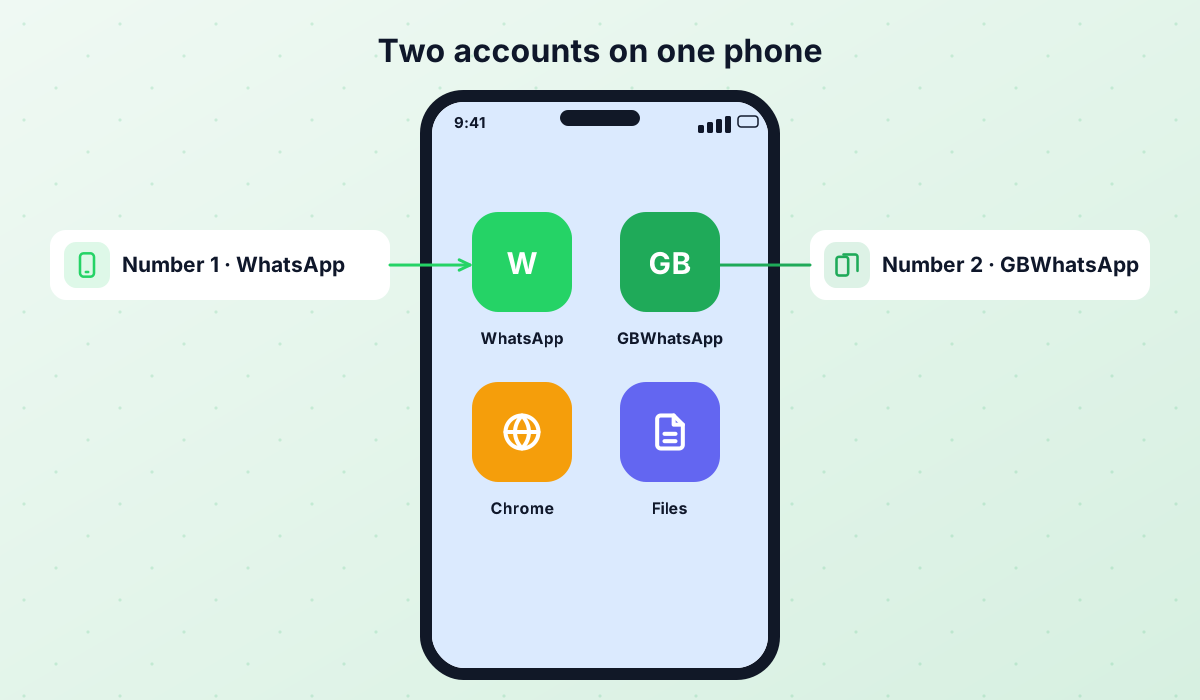
WA LiteX comes in two packages. The difference is not in the features but in how they install on your phone and whether they can live alongside the official app.
| Clone (recommended) | Primary | |
|---|---|---|
| Package | com.whatsapp.litex | com.whatsapp |
| Runs next to official WhatsApp? | Yes | No, it replaces it |
| Best for | Linking your number or a second account | Using it as your main WhatsApp |
| Chat backup | Its own, separate | Replaces the official one |
The download button on this page gives you the Clone build, the safest way to start. If you want LiteX to replace your WhatsApp, download the Primary build (com.whatsapp). To use a mod without registering your number in it, read our guide to linked mode.
WhatsApp LiteX features
Cleaned signatures and checks that cut the usual ban triggers (they do not remove the risk).
Read and reply without your contacts seeing you online.
Read messages without showing blue ticks or “typing…”.
Protect selected chats with your fingerprint.
Send media without the usual compression.
Keep messages that others delete for everyone.
Open view-once photos and videos again.
Runs smoothly on low-end Android phones.
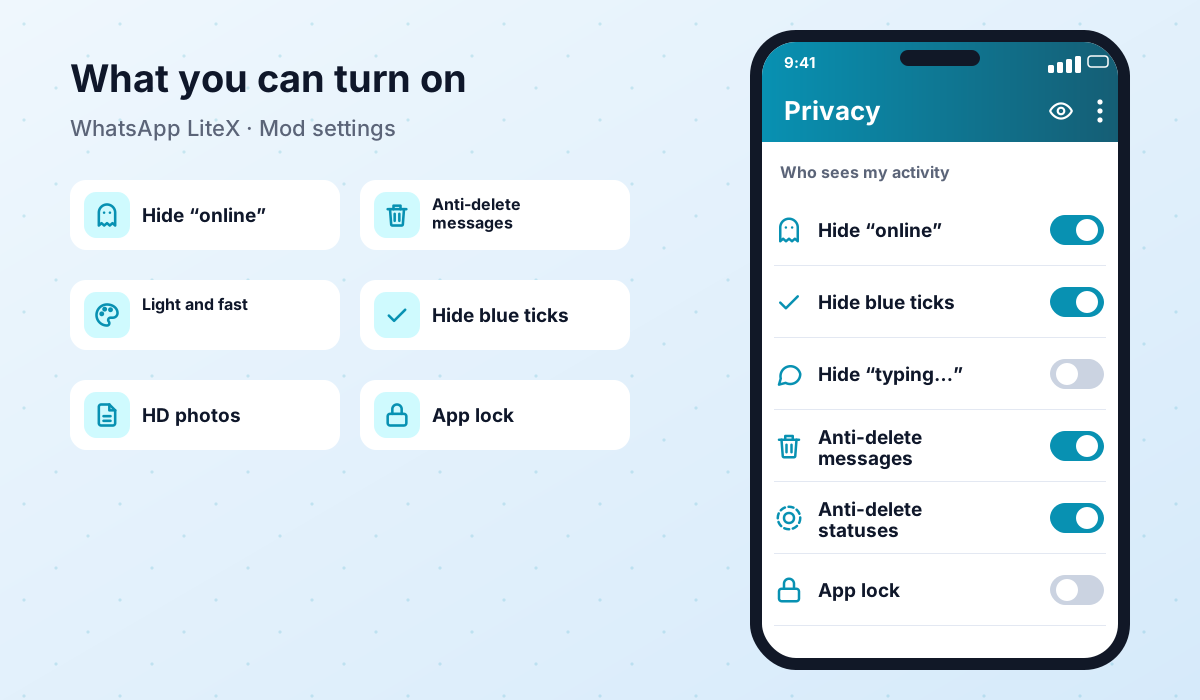
The latest build also removes the Meta AI button from the navigation bar, lets you forward to more than 5 chats and fixes the linking QR code. Features can change between releases, so always check the changelog before updating.
WhatsApp LiteX vs other mods
If you are torn between WA LiteX and the best-known mods, this table sums up the practical differences. Version data updates automatically on this site.
| WhatsApp LiteX | WhatsApp Plus | GBWhatsApp | |
|---|---|---|---|
| Developer | jesusmuentes | AlexMods | AlexMods |
| Latest version | 3.45.1 | 18.80 | 18.80 |
| Package | com.whatsapp.litex · com.whatsapp | com.whatsapp | com.gbwhatsapp |
| Runs next to official WhatsApp | ✔ (Clone) | ✘ | ✔ |
| Minimum Android | 6.0+ | 5.0+ | 5.0+ |
| On Google Play | ✘ | ✘ | ✘ |
In short: LiteX wins if you want a lightweight mod on a recent base that can sit next to official WhatsApp. WhatsApp Plus is still the reference for themes and customisation, and GBWhatsApp is the classic choice for two accounts.
How to download and install WhatsApp LiteX
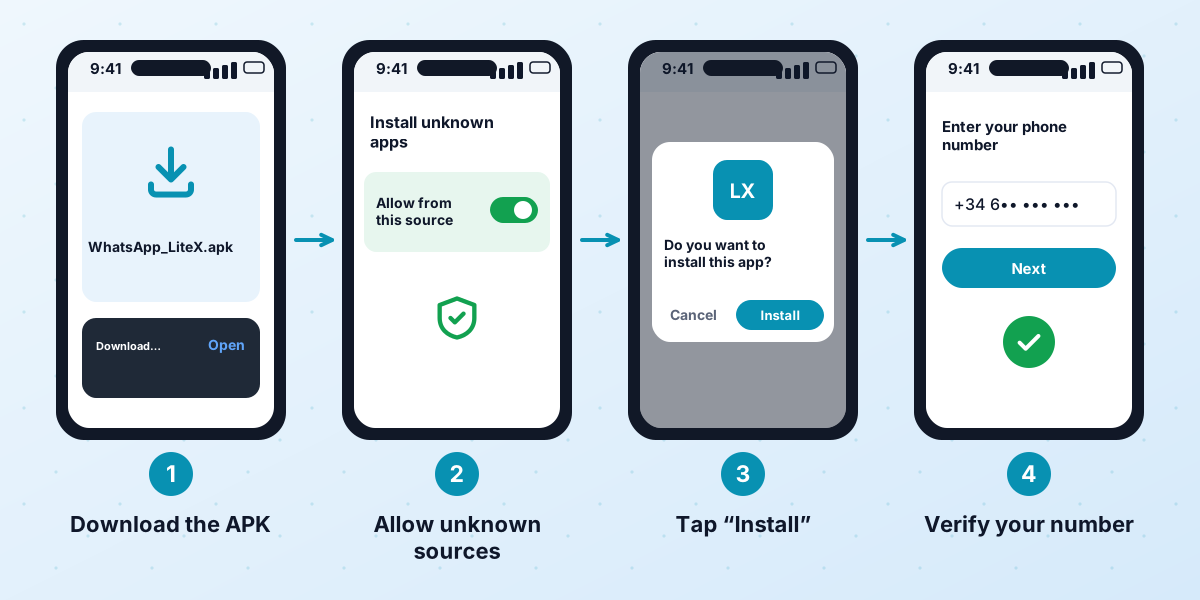
The developer recommends installing the Clone build and linking it to your official WhatsApp as a companion device. That way your number stays registered in the official app.
- 1Install official WhatsApp
Get WhatsApp from Google Play and register your number if you have not already. Back up your chats.
- 2Download WA LiteX Clone
Tap the download button on this page to get WhatsApp LiteX 3.45.1 (119 MB).
- 3Allow unknown sources
Allow installs from your browser or file manager when Android asks, then open the APK.
- 4Show the QR code
Open WA LiteX, tap the three dots and choose “Link as companion device”. A QR code appears.
- 5Photograph the QR code
Take a sharp photo of the code with another phone: you cannot scan the screen of the same device.
- 6Link from the official app
In official WhatsApp go to the three dots → Linked devices → Link a device and scan the photo. Be quick: the code refreshes.
- 7Mute the official app
Once sync finishes, turn off notifications in the official app so you do not get every message twice.
Android is blocking the APK. Temporarily turn off Play Protect scanning (Play Store → your profile picture → Play Protect) and, on Samsung phones, Auto Blocker (Settings → Security and privacy). If the QR code expires mid-way, generate a new one and photograph it again.
How to update WhatsApp LiteX
To update without losing chats, make a backup first (Settings → Chats → Chat backup) and install the new APK over the same package: Clone over Clone, Primary over Primary. What is new in version 3.45.1:
- Base updated to WhatsApp 2.26.42.74 Stable.
- Fixed a critical anti-ban issue and a critical call-blocking issue.
- Custom wallpapers work again.
- Meta AI removed from the navigation bar.
- You can forward to more than 5 chats again, and the linking QR code is fixed.
New releases are announced on the project’s Telegram channel (@WALiteX). Here at WasaPlus we update this page and the download link whenever a new build comes out.
WhatsApp LiteX versions
| Version | Date | Size | Download |
|---|---|---|---|
| WhatsApp LiteX 3.45.1 Updated | November 10, 2026 | 119 MB | APK |
Is WhatsApp LiteX safe?
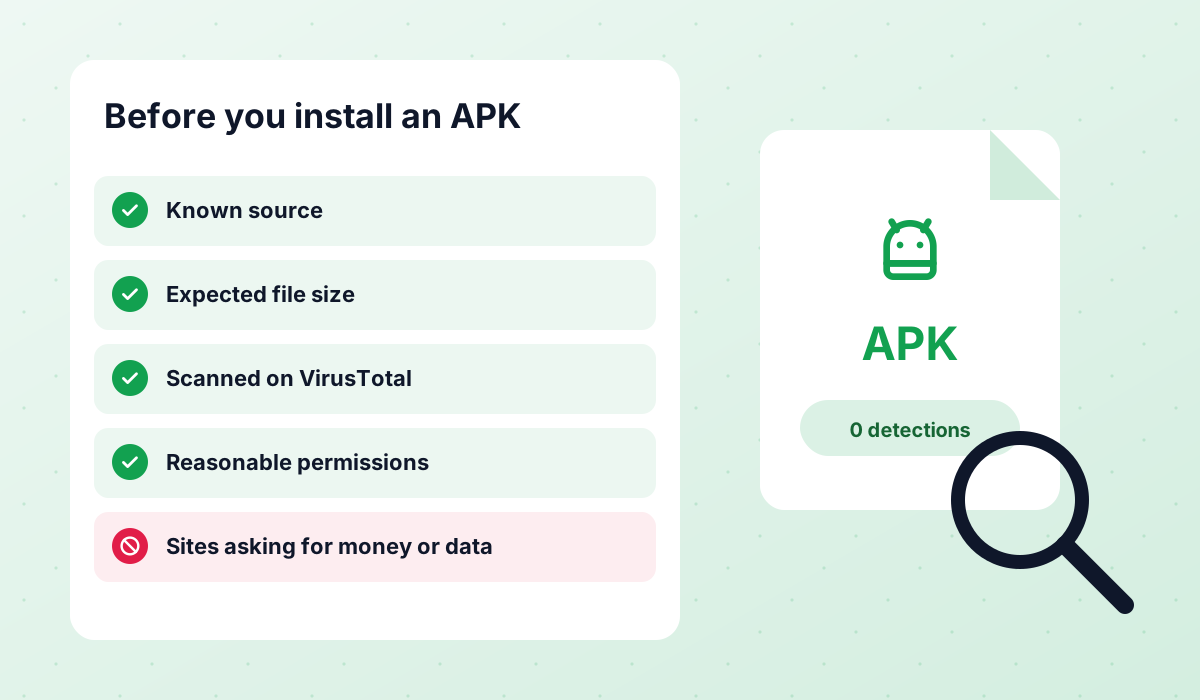
No mod is 100% safe. LiteX starts from a recent official base and includes anti-ban measures, but WhatsApp can suspend any number that uses an unofficial client. The biggest extra risk is tampered copies: always download from the official source or from this page, never from mirrors or “repacked” files.
- Start with the linked Clone build: your number stays registered in the official app.
- Back up before you install or update.
- Scan the APK with an antivirus and check that it is about 119 MB.
- Do not send bulk messages or use automation.
- If your number matters for work, try a secondary number first.
More advice in our guide on WhatsApp Plus and mod safety and our backup guide.
Pros and cons
- Lightweight: runs well on low-end phones.
- Recent official base and frequent updates.
- Clone build that runs next to official WhatsApp.
- Free, with Premium only optional.
- Risk of suspension, like any mod.
- No iPhone, PC or WhatsApp Business version.
- QR linking needs a second phone.
- Some advanced features are paid (Premium).
WhatsApp LiteX FAQ
Is WhatsApp LiteX the same as WhatsApp Lite?
Which build should I install, Clone or Primary?
Can I get banned for using WhatsApp LiteX?
Will I lose my chats when I update?
Which Android version do I need?
Is there an iPhone, PC or WhatsApp Business version?
Related mods and guides
 WhatsApp PlusActive v18.80The complete guide to WhatsApp Plus APK: latest version download, features, installation, updates, safety, backups and fixes for common problems.View and download →
 GBWhatsAppActive v18.80Everything about GB WhatsApp Pro: latest APK download, features, colour versions, installation, updates, safety, backups and troubleshooting.View and download →
 OBWhatsApp (Omar)Active v71OBWhatsApp by Omar Al-Annabi: numbered builds for multiple accounts, colour versions, features, install steps and safety advice.View and download →
 WhatsApp Plus LinkedHow WhatsApp Plus linked mode works, how it compares with an unlinked install, step-by-step setup, the 14-day rule, honest ban risk and the latest builds we have checked.Read guide →
 Is It Safe?An honest look at the risks of WhatsApp Plus, GBWhatsApp and discontinued mods like FMWhatsApp, how to check an APK and what to do after a ban.Read guide →
 Backup & RestoreLocal backups, restoring chats, transferring between mods and official WhatsApp, and updating without losing your history.Read guide →
Conclusion
WhatsApp LiteX is a good pick if you want a lightweight, free and up-to-date mod, especially the linked Clone build, which does not force you to move your number out of the official app. Use it knowing that no mod is risk-free: back up, get the APK from a trusted source and use common sense.
APK file for Android · Free · No sign-up
Updated: · By WasaPlus editorial team